
1. Why Keep Track of Income and Expenses? 🔍
By creating an overview of your income and expenses, you know exactly where your money comes from and where it goes. This provides peace of mind, security, and clarity. In addition, you develop important financial skills such as budgeting, planning, and setting realistic savings goals.
2. Effective Control Over Your Money 📊
Creating a monthly overview of your income and expenses may sound like a lot of work, but with the help of Grassfeld, it can be done quickly in just three steps:
- Categorising
- Analysing
- Fixed moment
3. Categorising 🗂️
To get a clear picture of your finances, start by categorising your transactions. This can be done the traditional way—by listing all transactions in Excel and labelling them manually. Alternatively, use the Grassfeld app. When you link your bank account, most transactions are automatically categorised. All you need to do is check them and correct any errors. You can also customise the Grassfeld environment entirely to your preferences. Standard categories are already available, but you can create and add your own as well.
Examples of expense categories include:
- Rent or mortgage
- Groceries
- Insurance
- Clothing
- Sports
- TV and internet subscriptions
- Leisure
- Hobbies
Examples of income categories include:
- Salary
- Allowances
- Investments
- Sale of items
- Contributions from parents or family
4. Analysing 📈
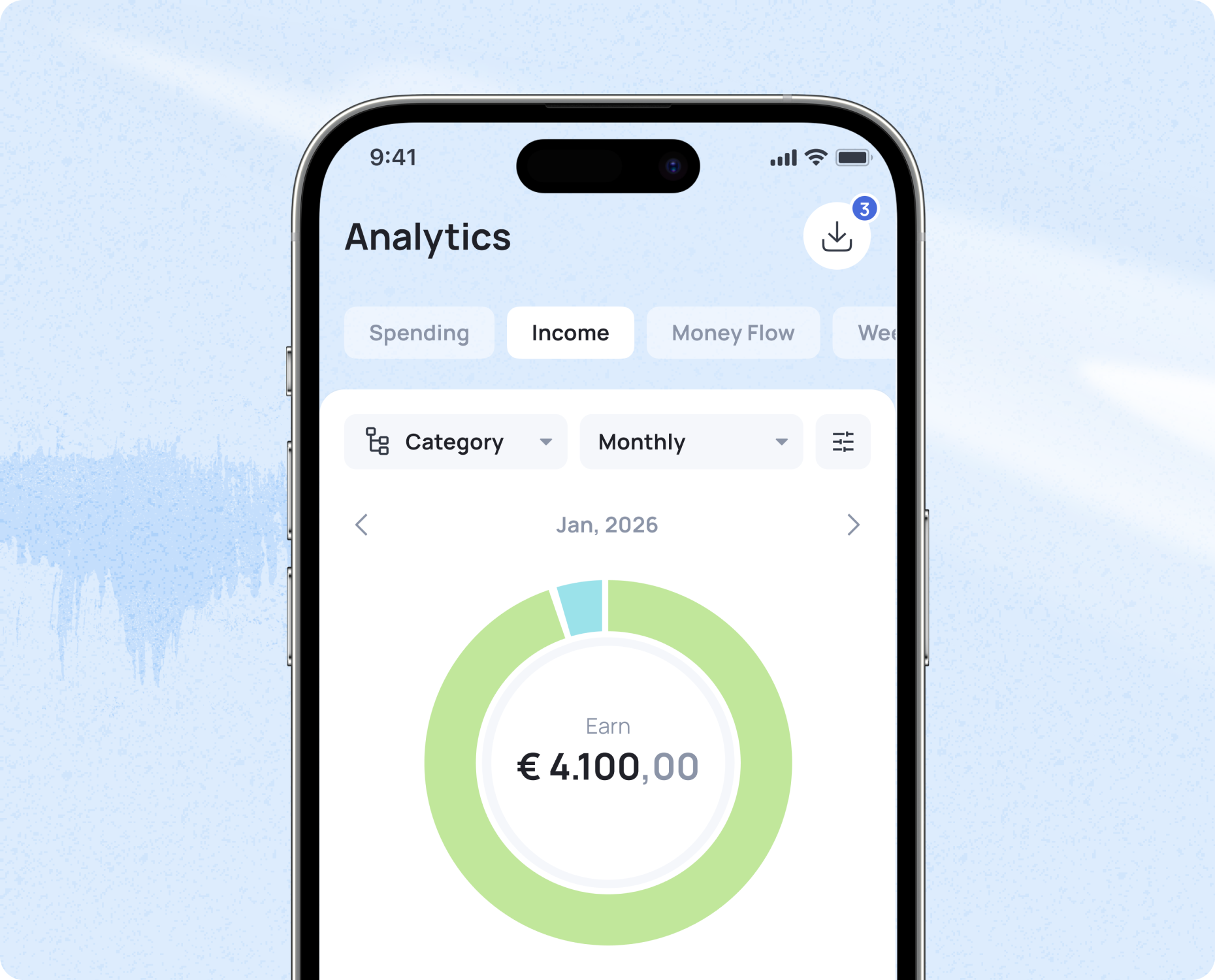
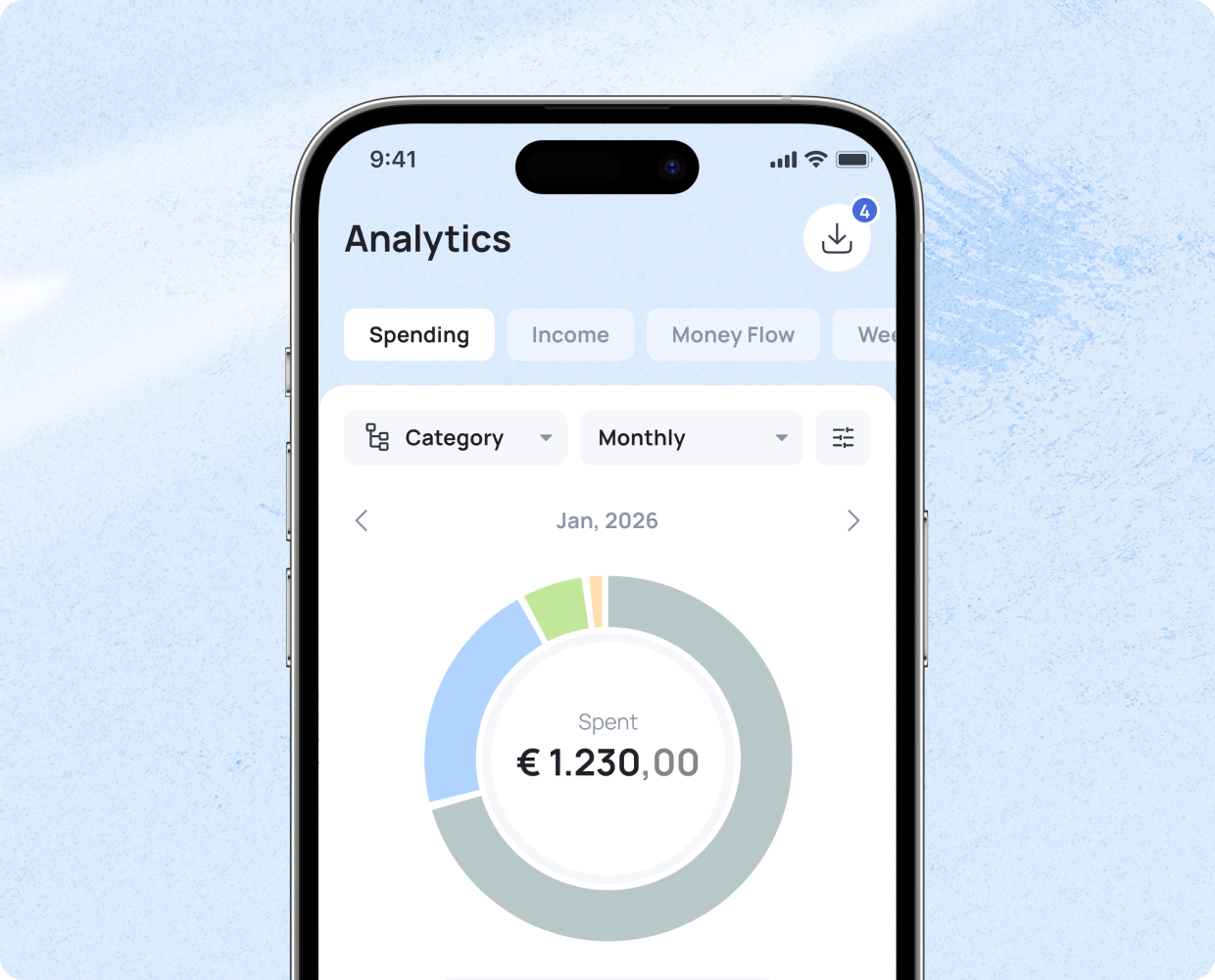
Once your transactions are properly categorised, you gain a clearer view of your financial situation. In Grassfeld’s ‘Statistics’ section, a complete overview of your income and expenses is available immediately after categorisation. To deepen your financial insight, regularly reflect on questions such as:
- What percentage of my spending goes to things I consider unnecessary?
- Are there recurring costs I could reduce?
- What portion of my income goes to fixed expenses?
- Are there opportunities to increase my income?
- Is my financial buffer sufficient given my monthly expenses?
5. Fixed Moment 📅
You maintain the clearest overview when you update your finances regularly. Schedule fixed moments to review your cash flow—weekly, monthly, or quarterly. Blocking time in your calendar helps turn it into a routine.
Keep in mind: the longer the interval between these moments, the more work it becomes each time. If you struggle to sit down and focus, make it more enjoyable. Visit a cosy café or plan a budgeting session together with a friend or family member so you can motivate each other.
6. Clear at a Glance ⚡
For a clear, up-to-date overview of your income and expenses, use the Grassfeld app. Create an account, link your bank account, and your transactions will be categorised almost automatically. Customise the environment by adding your own categories and gain instant insight into where your money goes.
📲 Download the Grassfeld app now from your app store and experience the convenience for yourself.