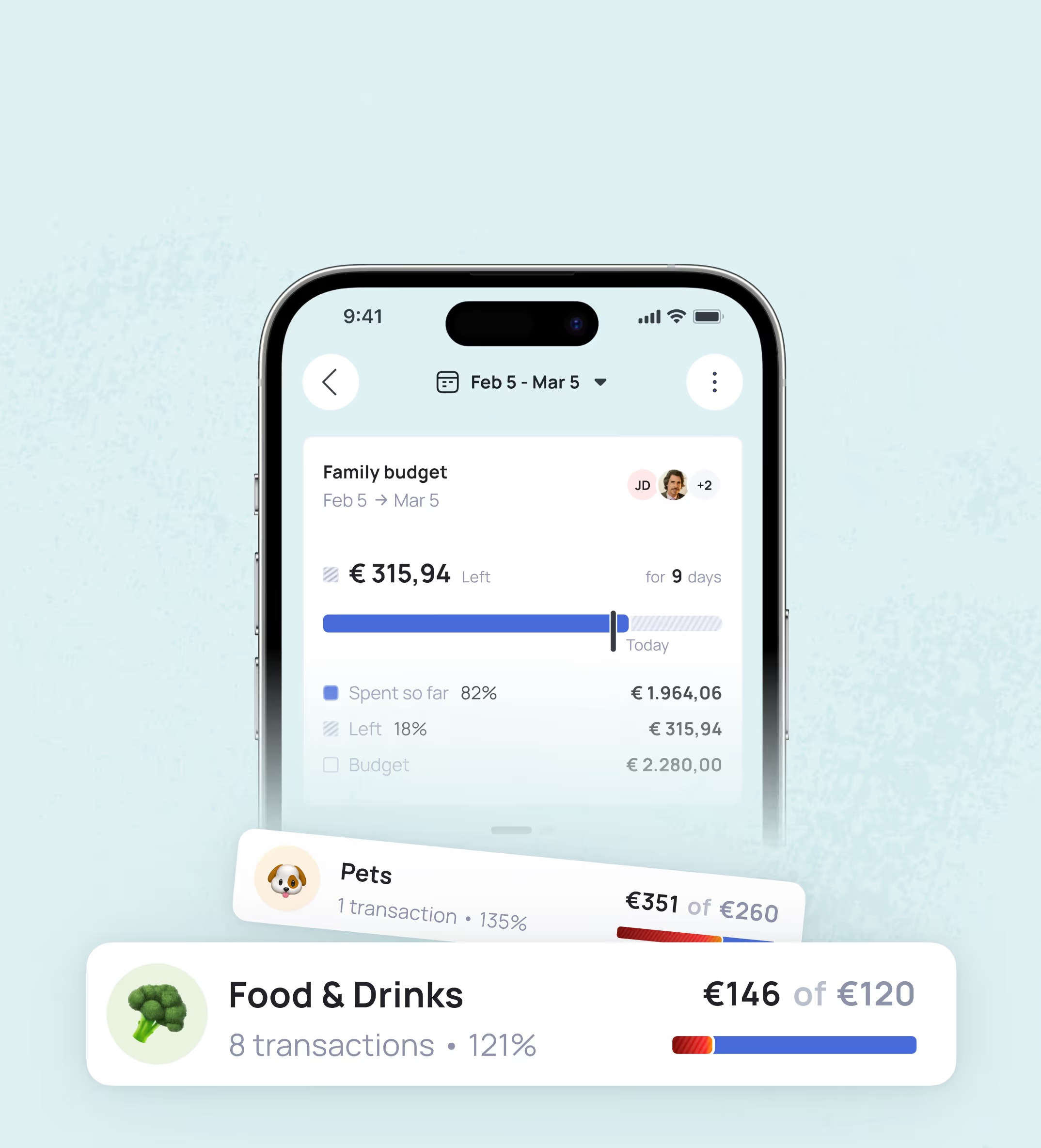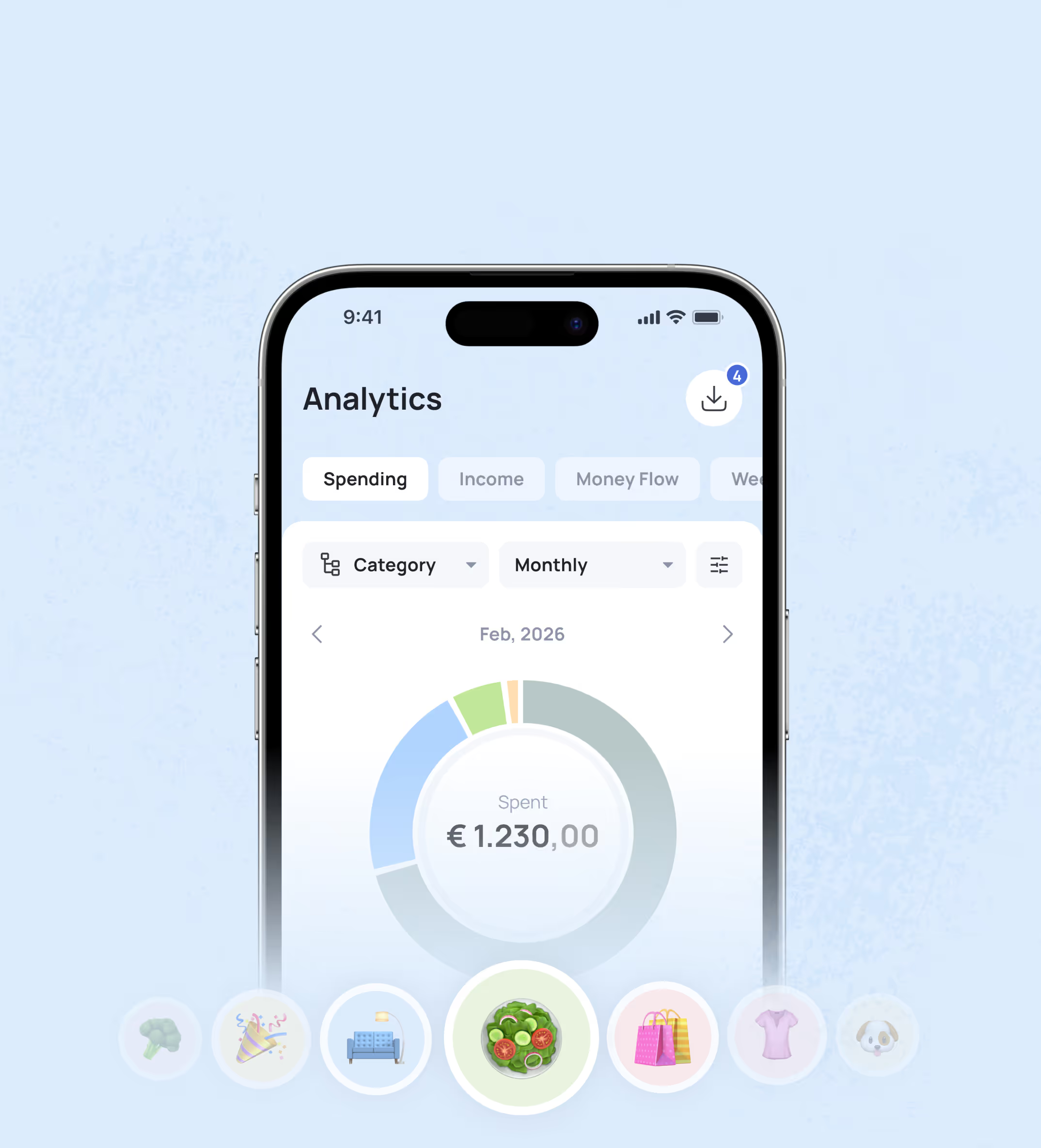







Financial statements you can work with
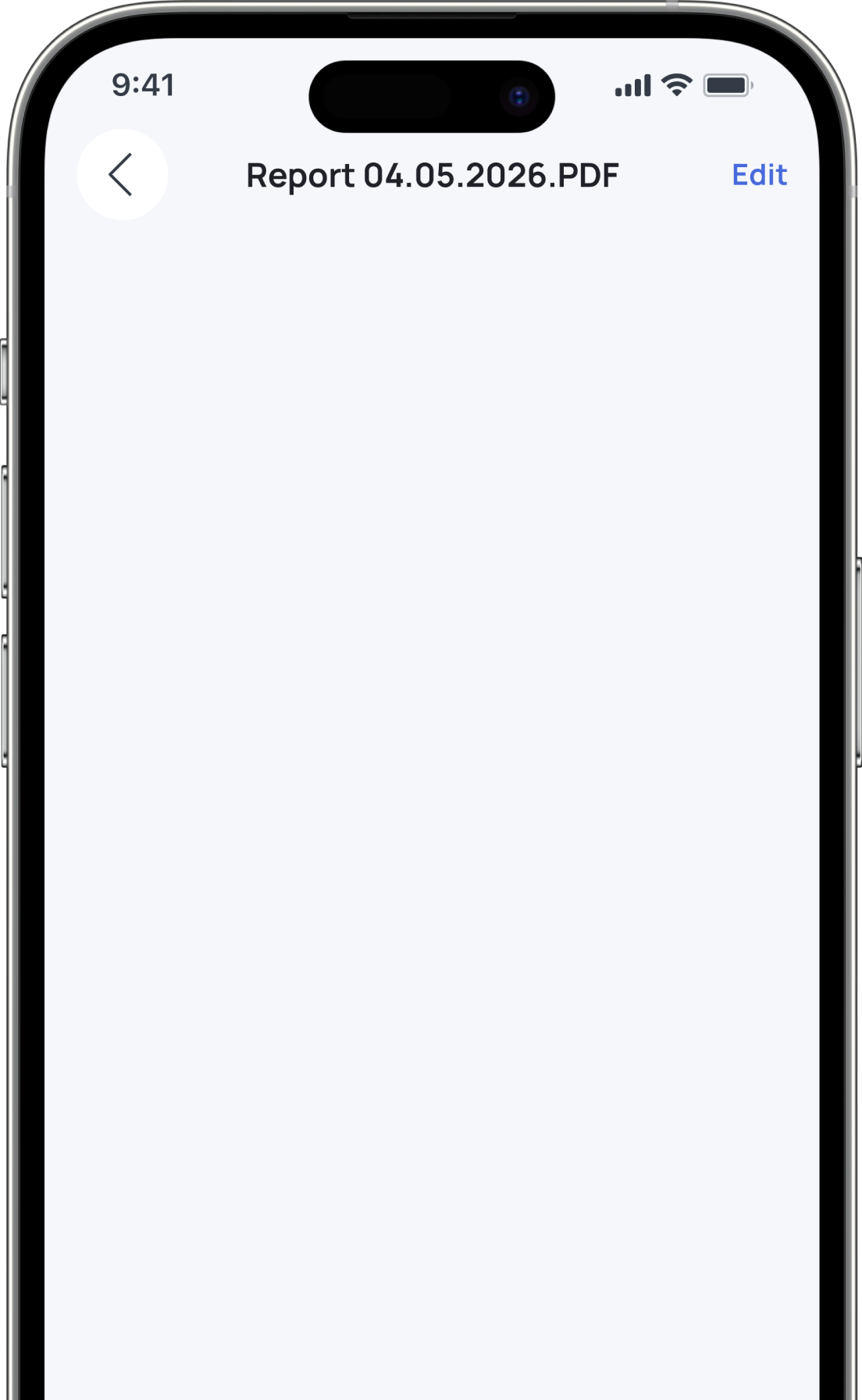
Each report can be used for various reasons; they will be stored in your personal storage space and accessible from your mobile app or Grassfeld Navigator.

Keep yourself perfectly organized



.png)


Set up scheduled reports
Automate your reports by selecting a custom creation scheme.





Select sections that will be included in your PDF report


Get notified about new reports

What’s your financial forecast?
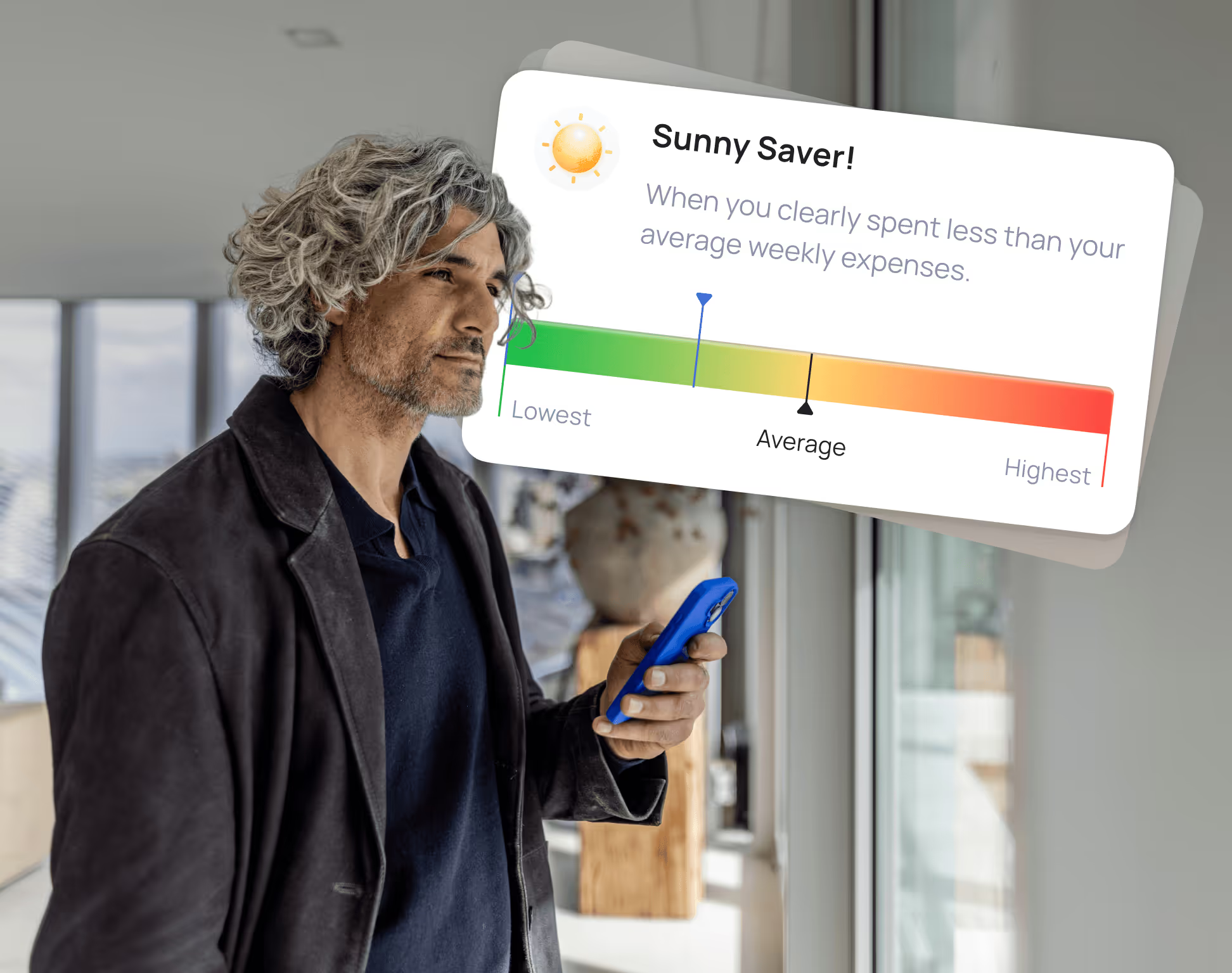
Did you have a "Sunny Saver" week, or was it an "Overcast Overspender" kind of vibe? Our smart weather-based rating makes tracking your weekly progress fun, engaging, and easy to understand.

Periodic spending brakedowns
Deep dive into the details of your week. Discover your most expensive days, spot your biggest recurring traps, and track exactly who is driving the spending in your joint accounts.

Real stories Real financial progress

4 months
with Grassfeld App
Tugrul, 29 yo
Technician

3 months
with Grassfeld App
Sylvana, 31 yo
Model & Entrepreneur

6 months
with Grassfeld App
Sabine, 23 yo
Manager

8 months
with Grassfeld App
Rick, 30 yo
Professional Athlete

11 months
with Grassfeld App
Pim, 31 yo
Content Creator

5 months
with Grassfeld App
Naud, 27 yo
Entrepreneur

5 months
with Grassfeld App
Midas, 24 yo
Creator & Pro gamer

3 months
with Grassfeld App
Melissa, 23 yo
Student

8 months
with Grassfeld App
Maartje, 31 yo
Sales assistant

10 months
with Grassfeld App
Lorenzo, 33 yo
Media advisor

14 months
with Grassfeld App
Kevin, 38 yo
Entrepreneur

3 months
with Grassfeld App
Jayda, 25 yo
Student / Horeca

7 months
with Grassfeld App
Delaja, 21 yo
Office assistant

5 months
with Grassfeld App
Alina, 22 yo
Marketeer
You must gain control over your money, or the lack of it will forever control you
Take the Lead with Grassfeld




Got questions? We’ve got answers
There are much more features to explore...