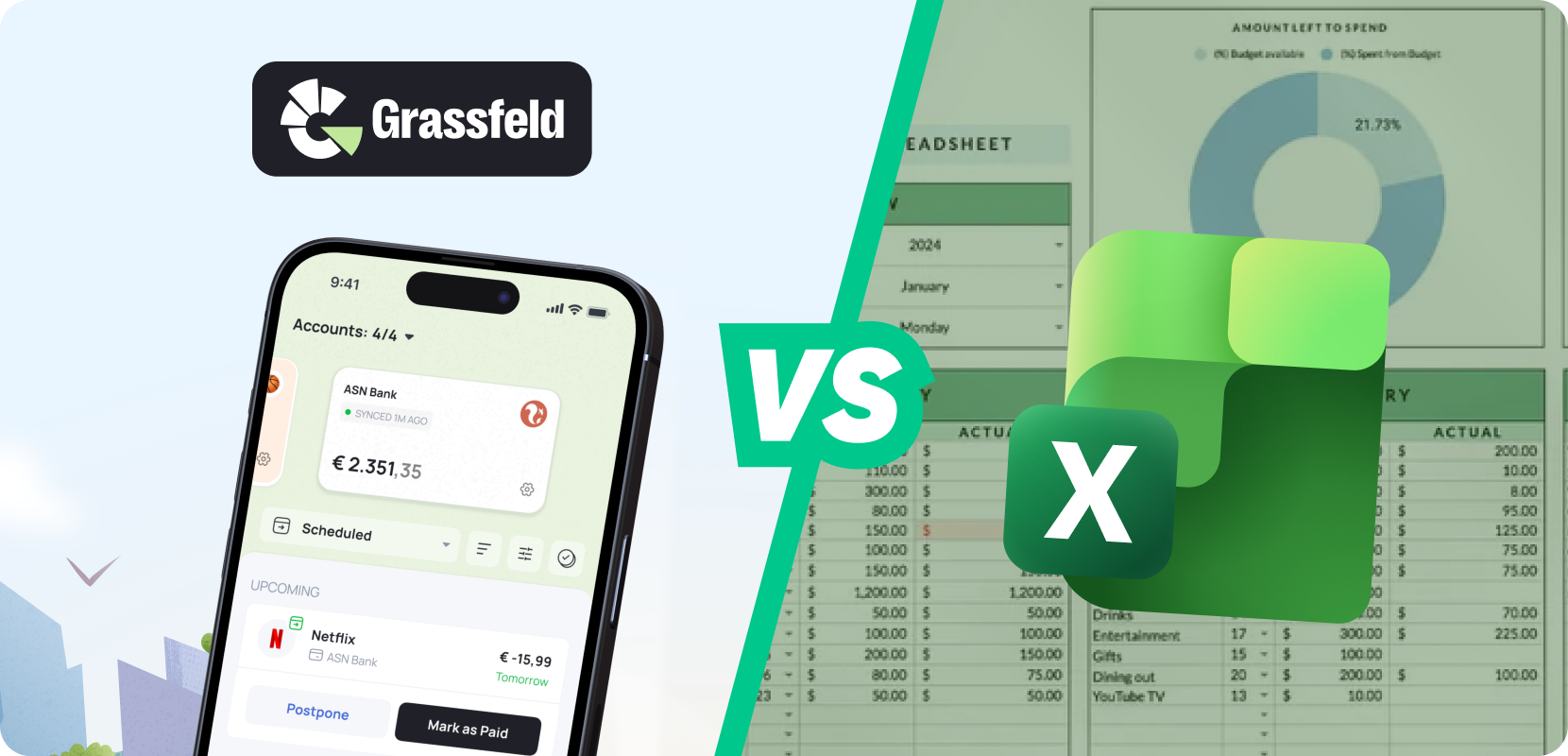
1. How Does a Cash Book in Excel Work? 🧾
A classic cash book in Excel consists of three components: income, expenses, and categories. For each payment, you record the date, the amount, a short description, and the corresponding category. Excel adds everything up and can convert the data into tables or charts.
For those who enjoy building things themselves and creating structure, this can work well. However, it does require accuracy. One incorrect entry or a mistake in a formula, and your overview is no longer reliable.
2. When Is Excel a Good Choice? ✅
A cash book in Excel mainly suits your situation if:
- You have relatively few transactions per month
- You enjoy working with spreadsheets
- You don’t mind keeping things up to date manually
As soon as your schedule becomes busier, you use multiple bank accounts, or you simply don’t feel like doing admin work, you’ll notice that a cash book in Excel starts to take more time than you’d like.
3. Where Does a Cash Book in Excel Often Go Wrong? ⚠️
Many people give up for the same reasons. Manual entry takes a lot of time. Every card payment, online order, or direct debit has to be added manually. This quickly becomes a daily task.
Categories can also become confusing fairly quickly. Bank transaction descriptions are often vague, which means you have to correct a lot to keep the overview clear. On top of that, mistakes are easily made, and important insights often come too late — your cash book is usually on your laptop, not with you at the supermarket or on the go, right when you’re making spending decisions.
4. What Is a Smarter Alternative? 🚀
Keeping track of your finances can be much easier than using a cash book in Excel. Grassfeld takes a large part of the work off your hands.
- After downloading the app, you create an account and link your bank account. Transactions are then imported automatically.
- Expenses are largely categorized automatically, giving you valuable insights.
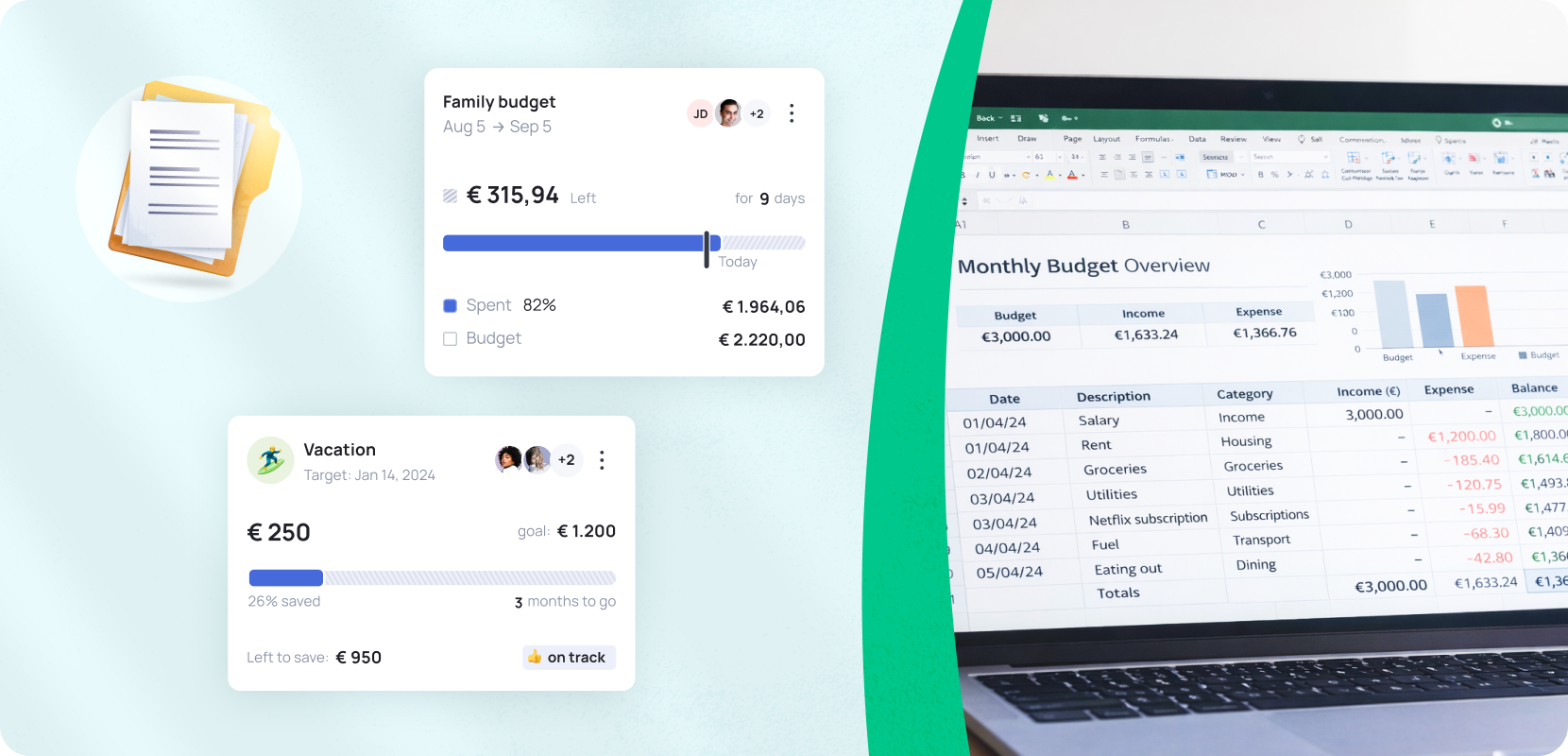
- You can also set budgets that are linked to your spending. This way, you always see how much financial room you still have.
- By setting savings goals, you’ll know at any moment how much money you still need to set aside to reach your targets — without formulas or separate tabs.
This gives you faster and more up-to-date insight than with a cash book in Excel. If you choose Grassfeld Premium+ (€3.99 per month), you get access to many additional helpful features.
5. Why Switch? 🔄
Excel may give you a bit more freedom, but it also requires discipline and takes up a lot of your time. Grassfeld provides an overview without the hassle. For many people, that brings peace of mind. You no longer have to remember how much you’ve already spent this month on groceries or subscriptions — the app shows you every day.
Do you want to keep a cash book without dealing with daily admin? Then Grassfeld is the better alternative. You link your bank account, set budgets, and the app does the rest. It saves you time and gives you continuous insight into your finances.
📲 Download the Grassfeld app now from your app store.